AI yearbook photo prompts: 6 school portrait styles from retro film to team jersey
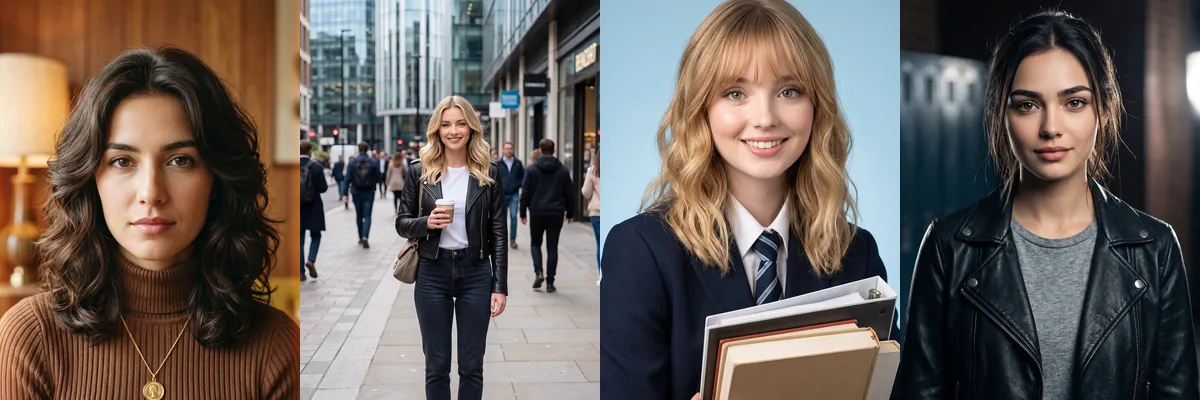
Yearbook photos follow a simple formula: a plain backdrop, a straight-on pose and an outfit that says something about the student. These prompts play with that, from a warm 1970s studio portrait to a school uniform with books, a leather jacket on a dark set and a basketball jersey on a bright one.
Open any of them in Reshot AI with a selfie, or copy the prompt for use elsewhere. Most allow the hairstyle, gender presentation and outfit to vary, while each one asks to keep your face recognizable.
How these templates use your photo
Each template starts from a photo you pick. The prompt tells the model what to change, and your photo is the reference for everything else. Clear, front-facing photos with even light give the closest match.
1. 1970s film portrait
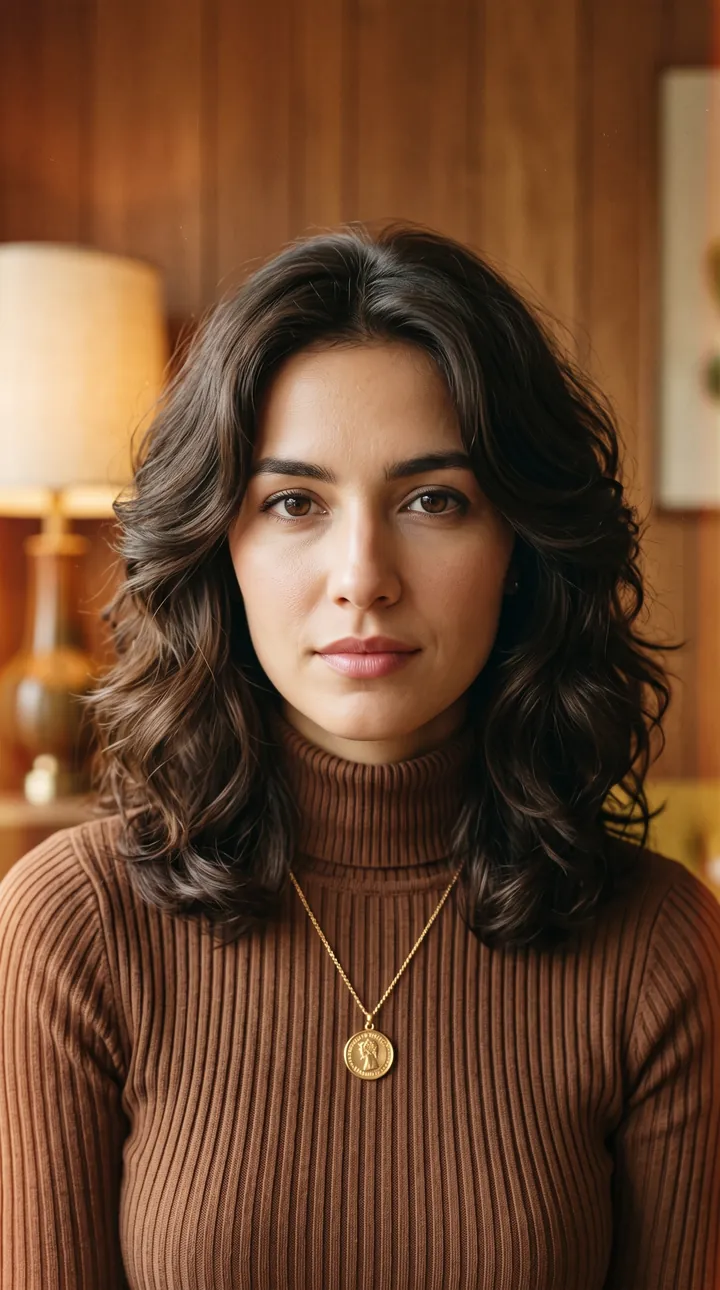
A brown ribbed turtleneck and pendant in a warm 1970s studio with wood paneling and a lamp, with soft film grain. Natural light keeps skin tone close to the original.
Create a realistic vintage film portrait using the uploaded reference image. Preserve the face and identity 100% exactly, with the same facial structure, skin tone, eyes, nose, lips, and natural features. Any hairstyle is allowed. Warm 1970s studio background, classic outfit, soft film grain, natural lighting, photorealistic, HD.
2. Modern street candid
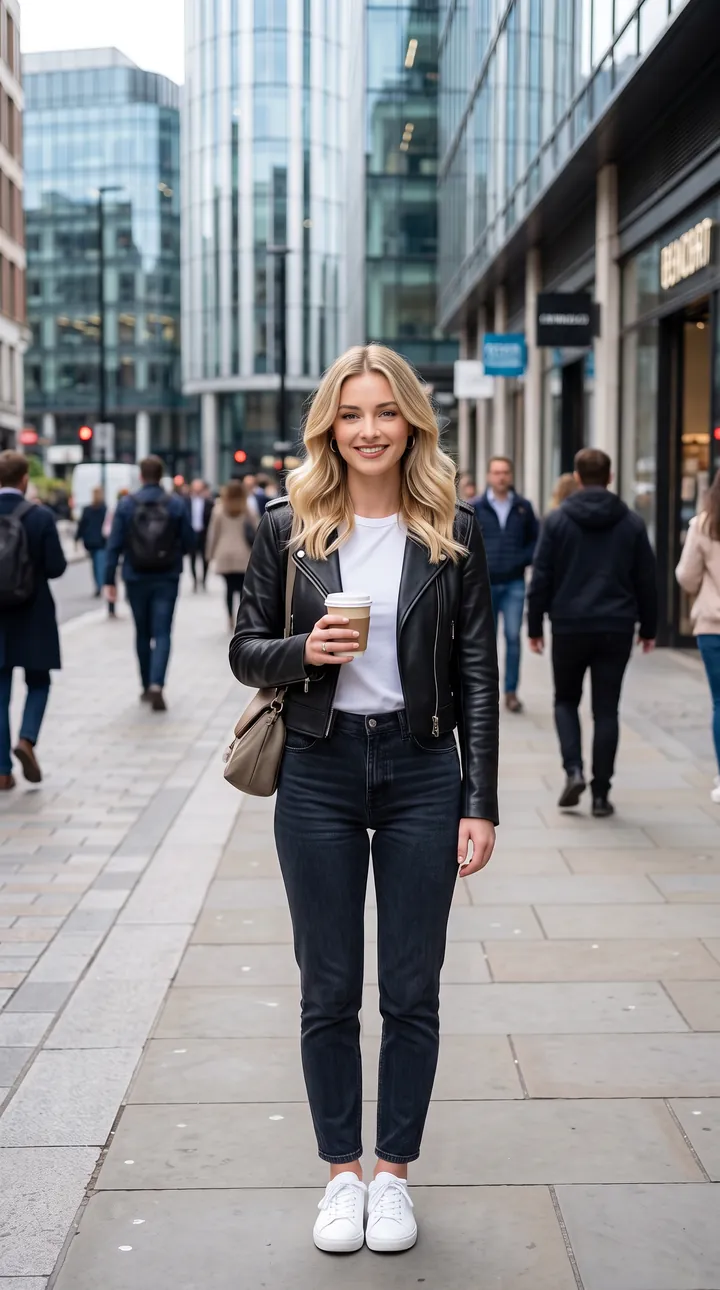
A casual stylish outfit on a busy city sidewalk in natural daylight, here with a leather jacket and a coffee cup. The candid full-length framing keeps the face small but in focus.
Realistic modern street portrait using the uploaded reference image. Keep the face and identity 100% identical, without changing facial features. Any hairstyle. Urban city background, casual stylish outfit, natural daylight, candid expression, DSLR photography, photorealistic, HD,
3. Uniform with books
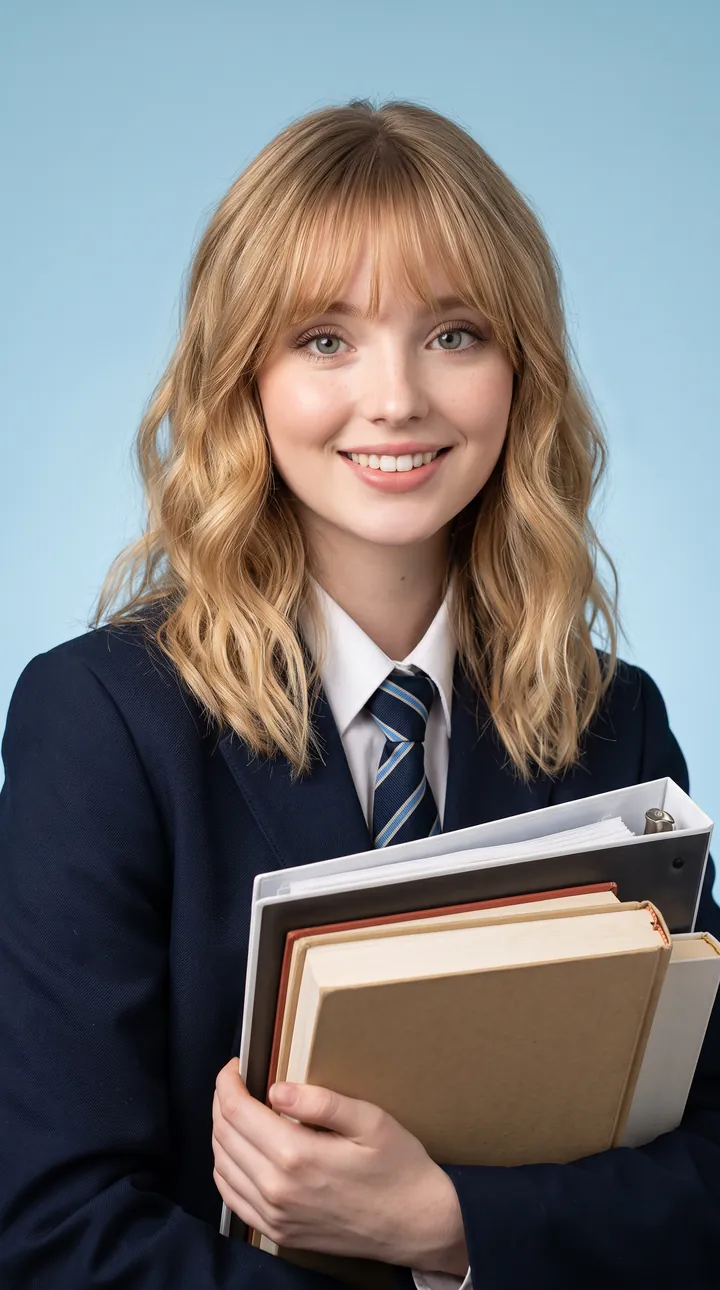
A classic school uniform with blazer and tie, holding a stack of books against a clean blue studio backdrop. Soft lighting gives the standard yearbook look with the face centered.
Use the reference image, preserve exact facial identity and recognizable features. Any gender, hairstyle, or hair color allowed. Classic school uniform, books in hand, clean blue studio background, soft lighting, realistic yearbook portrait, HD,
4. Cool student in leather
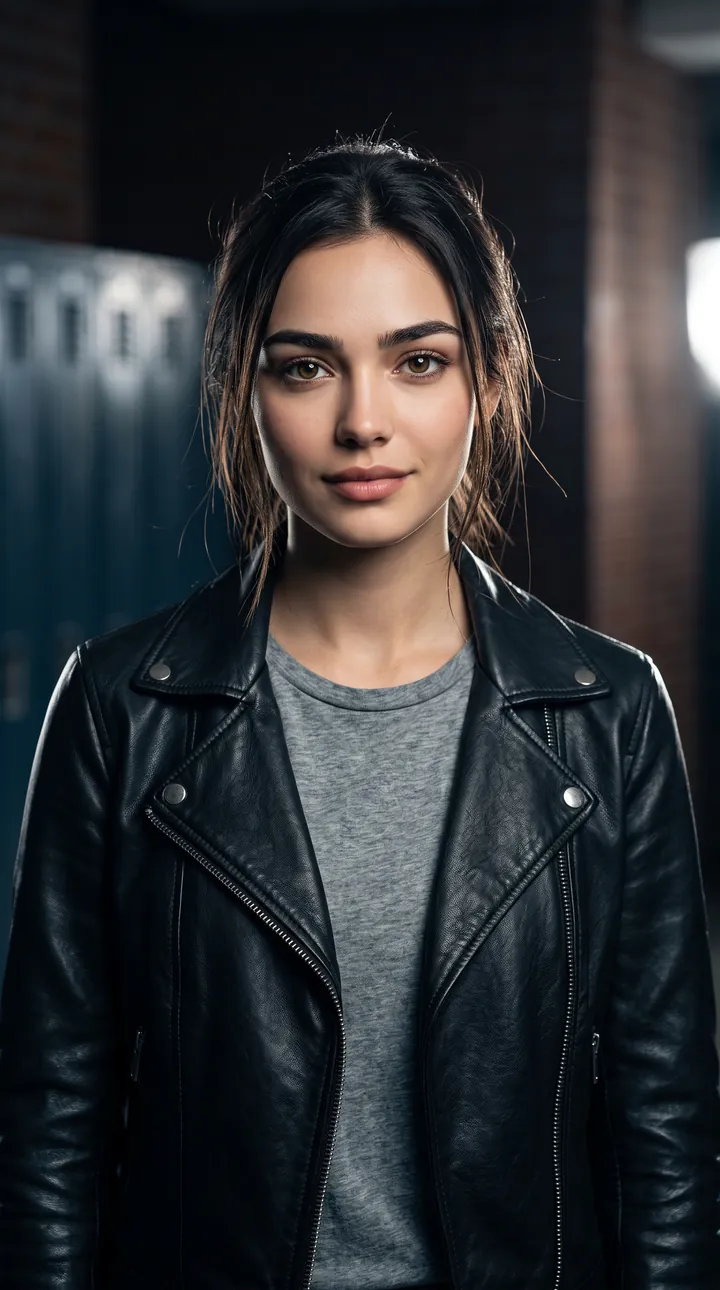
A black leather jacket over a gray tee on a dark school-photo backdrop with cinematic lighting. Side light gives contrast while keeping both eyes visible, in a 4:5 crop.
Keep the exact face and identity from the reference image. Hairstyle, gender and outfit can vary. Stylish student wearing a leather jacket and casual T-shirt, dark school-photo background, cinematic lighting, photorealistic, HD, 4:5.
5. Formal blazer portrait
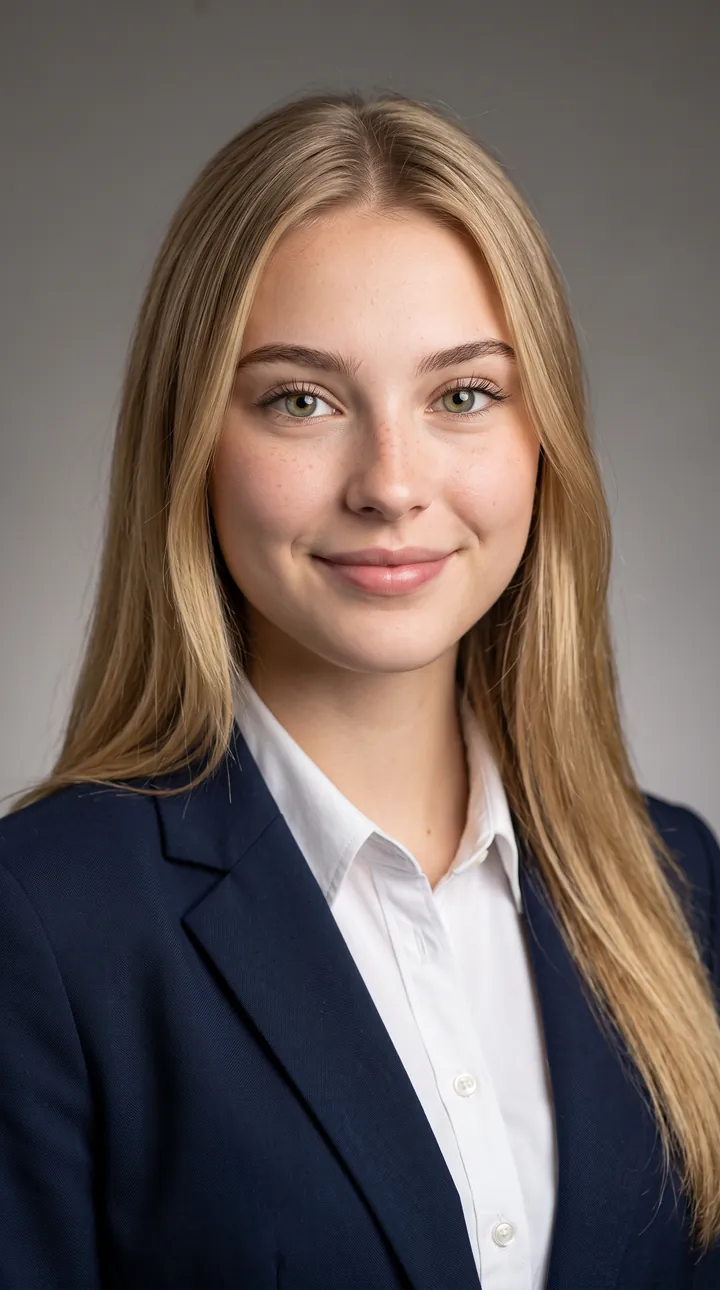
A navy blazer and white shirt against a neutral studio wall with soft professional light. The calm, centered pose matches a formal senior portrait.
Preserve the reference person’s exact facial identity. Any hairstyle, gender and clothing style. Formal blazer and white shirt, elegant neutral studio background, soft professional lighting, realistic yearbook photography, HD,
6. Basketball jersey
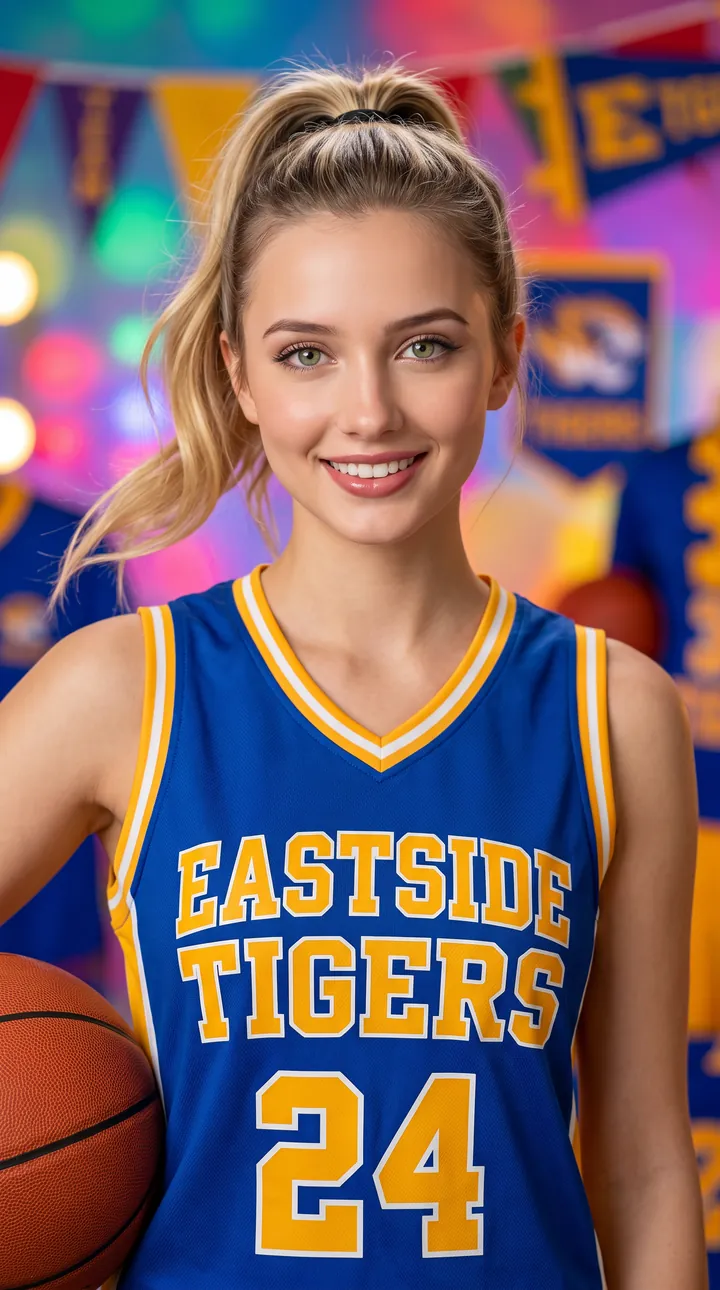
A high-school basketball jersey with a ball in hand on a colorful studio backdrop with team pennants. A confident pose and even light keep the face bright.
Use the reference image and keep the exact recognizable face. Hairstyle, gender and outfit may vary naturally. High-school basketball jersey, confident pose, colorful studio background, professional yearbook photo, photorealistic, HD
How to use these templates in Reshot AI
- Open Reshot AI on iPhone and find the Yearbook category on the home screen.
- Pick a template. Choose a clear, front-facing selfie with good light; it is the reference for your face.
- Generate. Results arrive in the app’s History, so you can come back for them later.
- Want a different expression in the result? Open it in the Face Editor and add a smile, open closed eyes, or turn the head.
Frequently asked questions
Will the result look like me?
Each template uses your photo as the reference and describes the look, not a new face. Clear, front-facing photos with even light give the closest match.
Can I use these prompts outside Reshot AI?
Yes. The copy button gives you the full prompt; it works in any image tool that accepts a reference photo. Results will differ by model.
Is Reshot AI free?
The app is free to download. Generating templates uses credits or a Premium subscription; details are in the app.
Try Yearbook in Reshot AI
Download Reshot AI, pick a template, choose a selfie.
⬇ Download on the App Store