Quiet classic AI portrait prompts: 7 elegant, understated looks
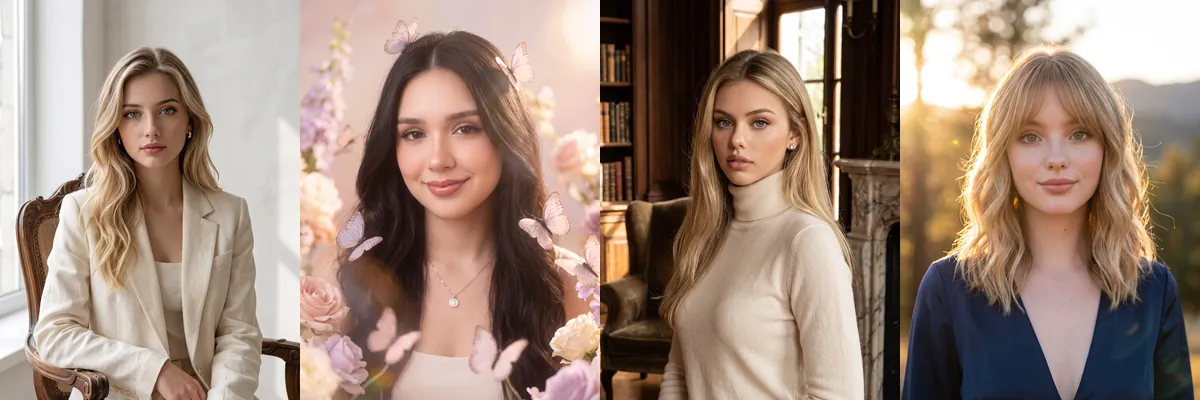
These are short, simple prompts for portraits that feel calm and timeless rather than loud. Soft light, neutral or rich solid colors and classic settings like a library or a Paris street do most of the styling.
Each look is a Reshot AI template you can open with a selfie on iPhone, or copy into another tool. Every prompt in this set asks to use your photo as the exact identity and preserve your natural features.
How these templates use your photo
Each template starts from a photo you pick. The prompt tells the model what to change, and your photo is the reference for everything else. Clear, front-facing photos with even light give the closest match.
1. Cream suit on a vintage chair
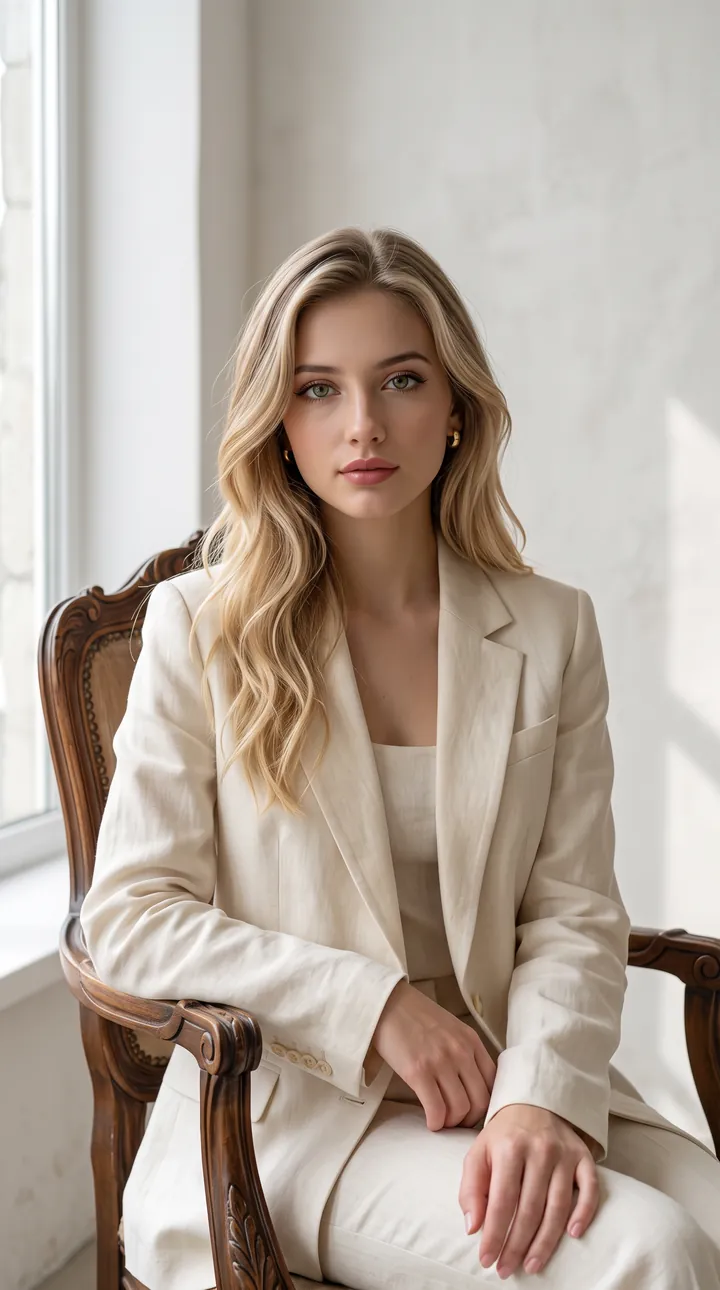
A cream tailored blazer and trousers, seated on a carved vintage chair in a minimal white studio by the window. Soft natural light keeps the face even and bright.
Create a quiet classic fashion portrait using the uploaded reference as the exact identity. Preserve the face and natural features. Elegant cream tailored outfit, vintage chair, minimalist studio, soft natural light, photorealistic, 9:16, 8K.
2. Butterflies and pastel flowers
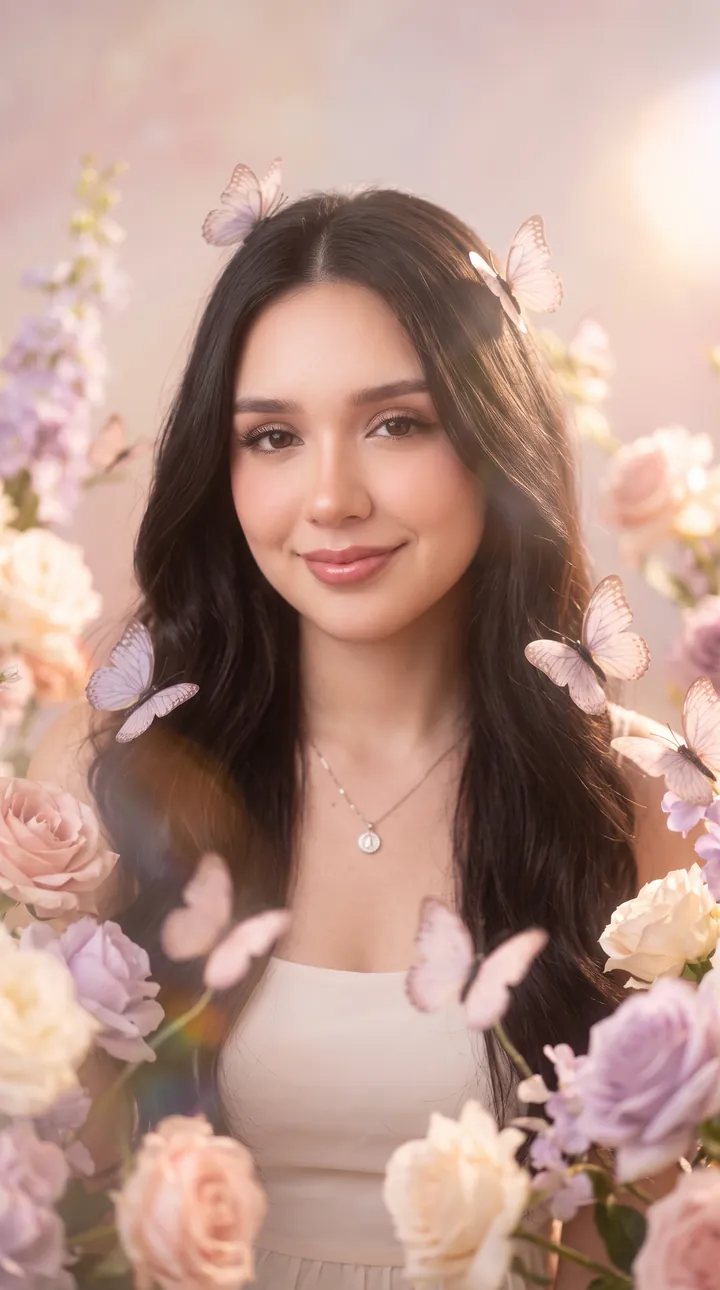
A dreamy pastel portrait framed by pink and lavender flowers with small butterflies drifting around. The flowers stay at the edges of the frame so the face remains clear in the center.
Create a dreamy portrait using the uploaded reference as the exact identity. Preserve facial features and natural proportions. Surrounded by delicate butterflies and soft flowers, pastel studio, dreamy lighting, photorealistic, 9:16, 8K.
3. Old-money library
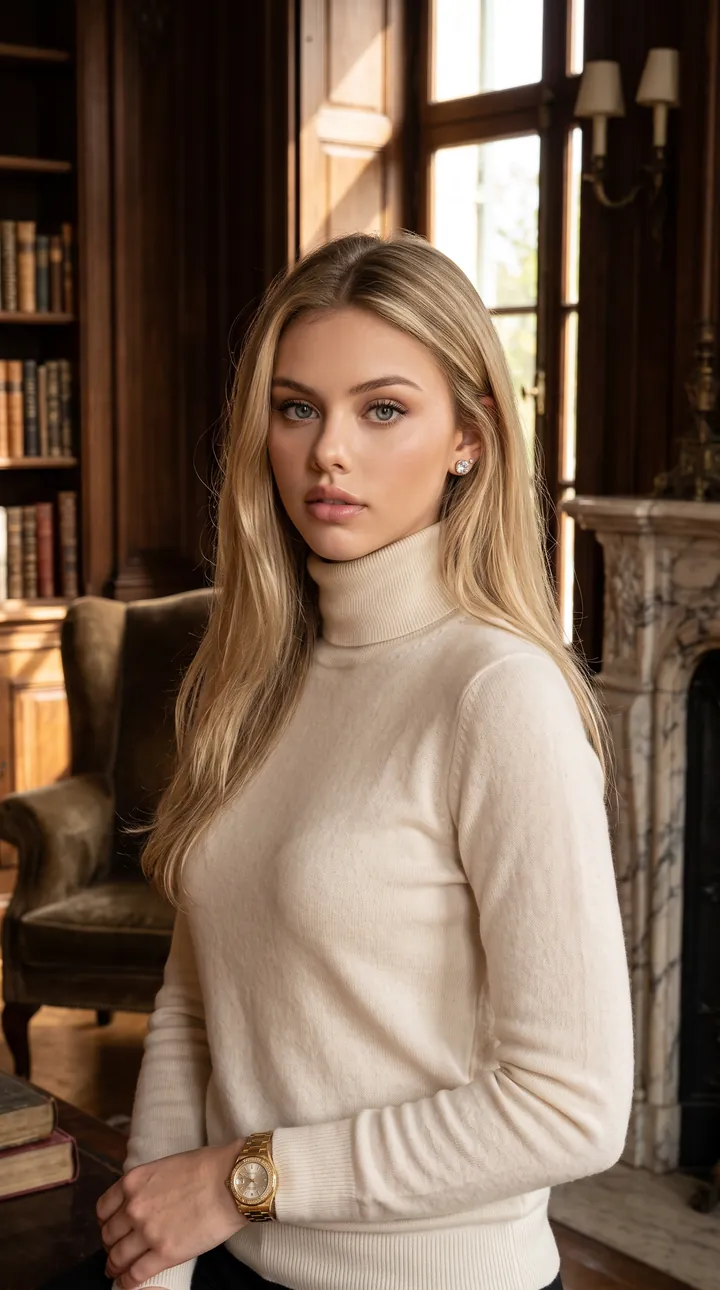
A cream turtleneck sweater and gold watch in a wood-paneled mansion library with bookshelves and a fireplace. Warm daylight from the windows keeps the face natural and well lit.
Create a luxury old-money portrait using the uploaded reference as the exact identity. Preserve the face and features. Elegant neutral outfit, classic mansion interior, warm daylight, refined editorial style, photorealistic, 9:16, 8K.
4. Navy wrap top at golden hour
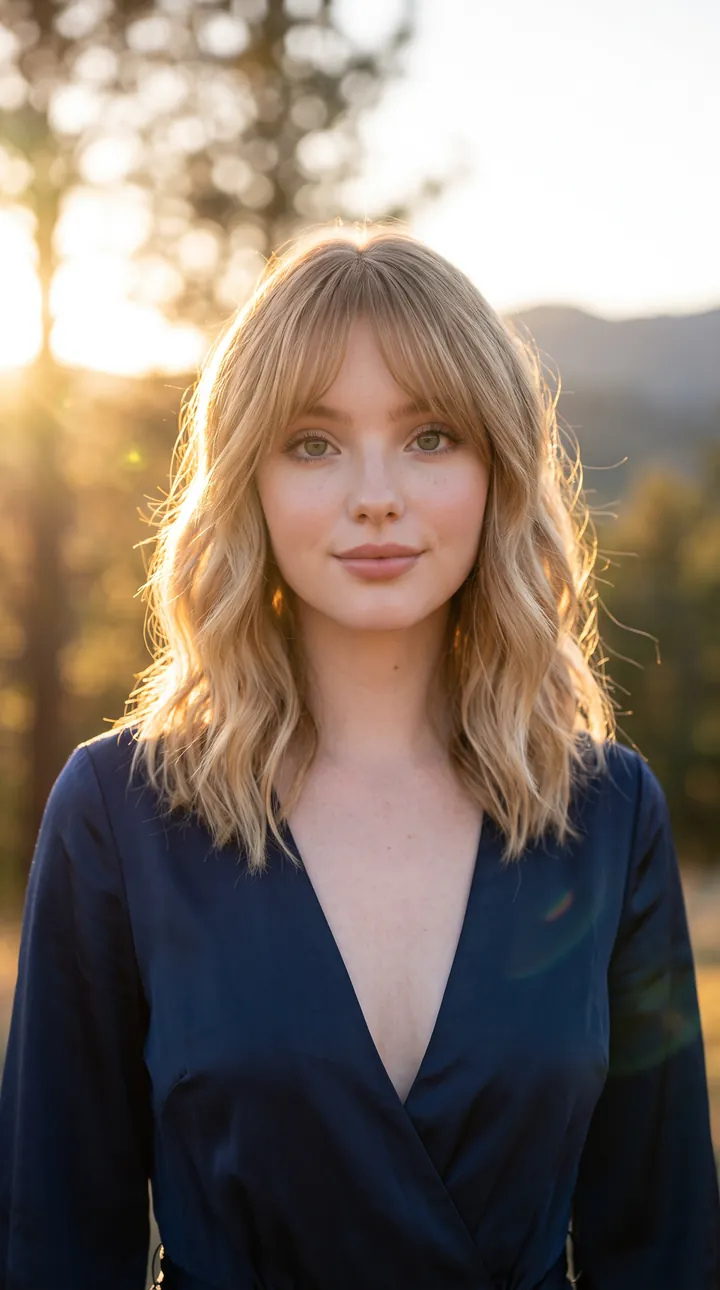
A navy wrap top outdoors with the sun low behind, warm backlight and a softly blurred background. The face is lit evenly from the front while the hair catches the golden rim light.
Create a cinematic golden-hour portrait using the uploaded reference as the exact identity. Preserve facial identity and natural features. Elegant outfit, outdoor setting, warm sunlight, soft background, photorealistic, 9:16, 8K.
5. Paris street in a camel suit
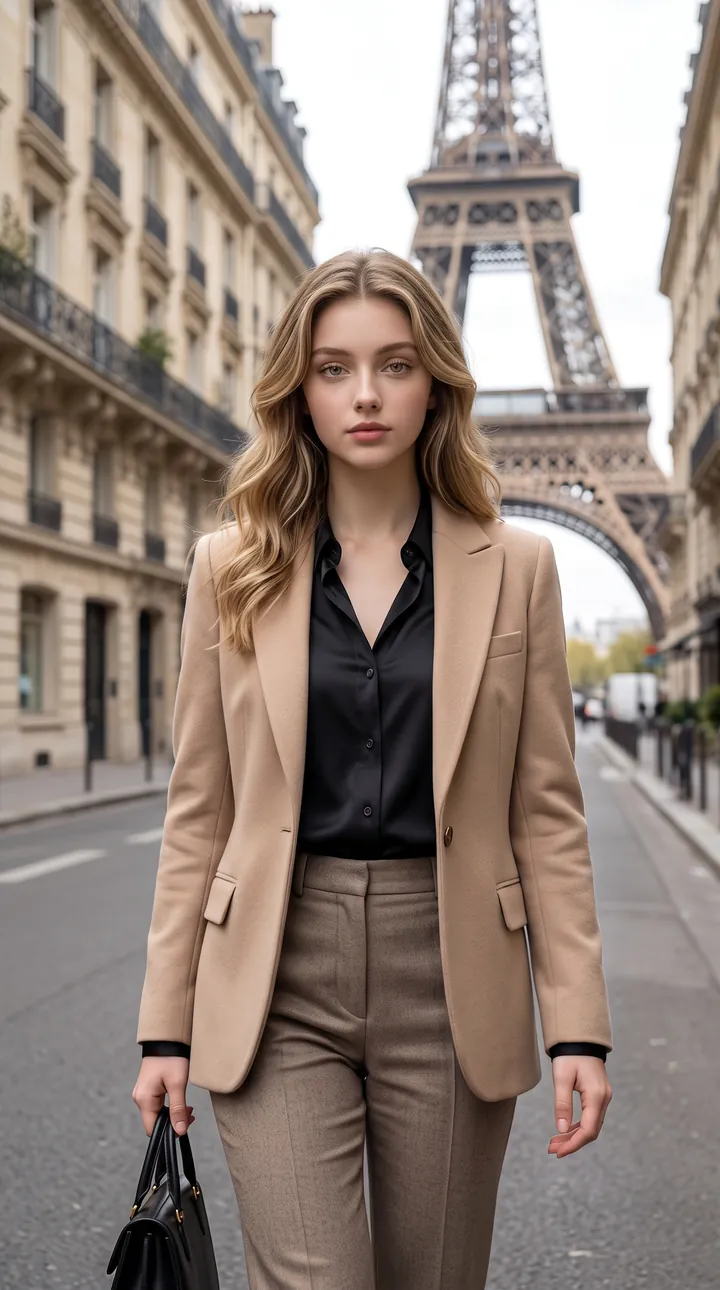
A camel suit with a black blouse and handbag, walking down a Paris street with the Eiffel Tower behind. Soft daylight and a straight-on walk toward the camera keep the face in clear view.
Create a luxury Parisian fashion portrait using the uploaded reference as the exact identity. Preserve the face and natural features. Sophisticated outfit, Paris street setting, soft daylight, high-fashion editorial, photorealistic, 9:16, 8K.
6. Red velvet in a dark room
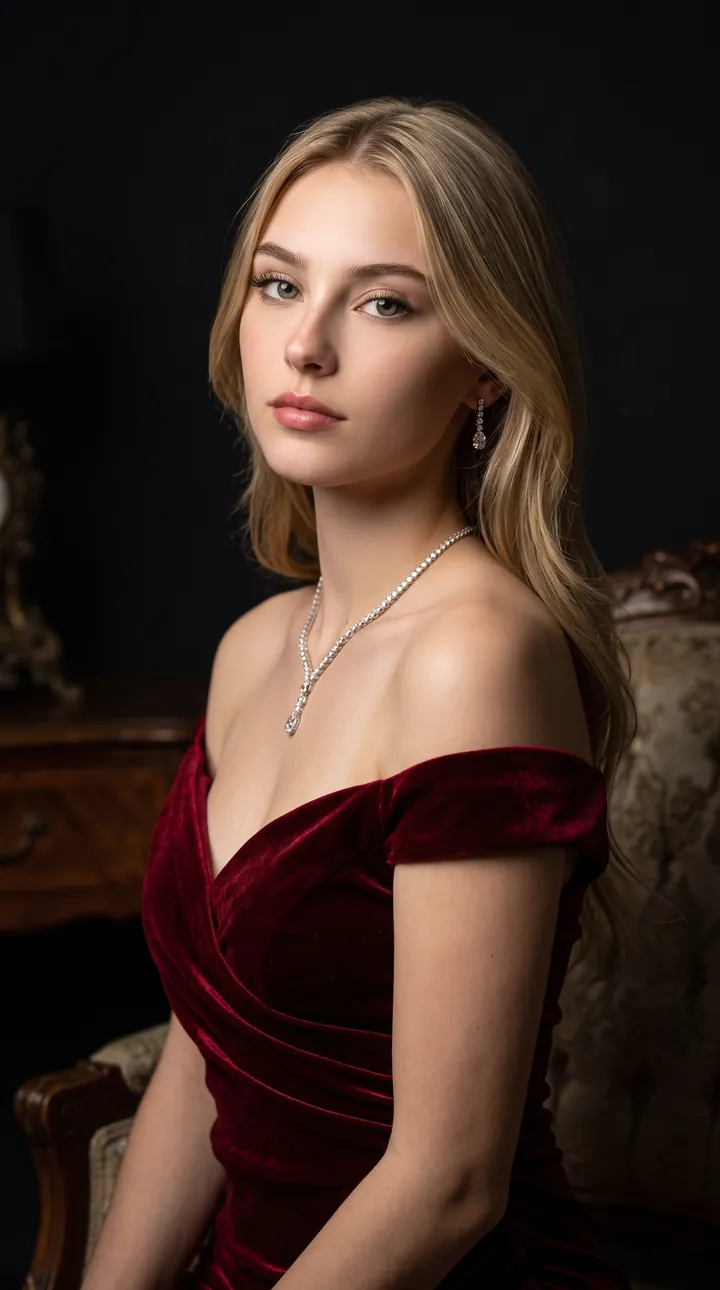
An off-shoulder deep-red velvet dress with a delicate necklace, seated in a dark, luxurious room. Soft directional light picks out the face and shoulders against the shadowed background.
Create a dramatic luxury portrait using the uploaded reference as the exact identity. Preserve facial identity and proportions. Elegant deep-red outfit, luxurious dark studio, soft dramatic lighting, editorial photography, photorealistic, 9:16, 8K.
7. Lace among soft roses
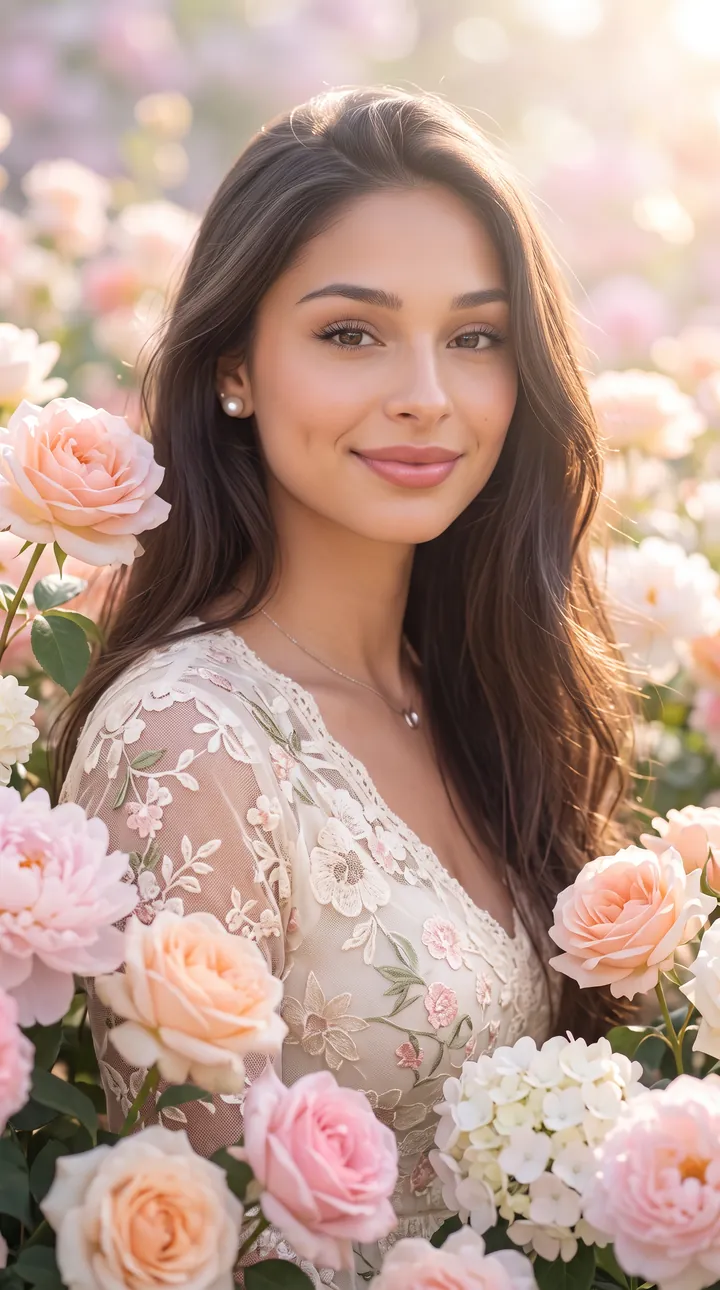
A cream lace blouse surrounded by peach, pink and white roses against a pastel background. Natural light and a warm smile keep the face as the brightest point in the frame.
Create a dreamy floral portrait using the uploaded reference as the exact identity. Preserve the face and natural features. Elegant outfit, surrounded by soft flowers, pastel background, beautiful natural light, photorealistic, 9:16, 8K.
How to use these templates in Reshot AI
- Open Reshot AI on iPhone and find the Quiet classic category on the home screen.
- Pick a template. Choose a clear, front-facing selfie with good light; it is the reference for your face.
- Generate. Results arrive in the app’s History, so you can come back for them later.
- Want a different expression in the result? Open it in the Face Editor and add a smile, open closed eyes, or turn the head.
Frequently asked questions
Will the result look like me?
Each template uses your photo as the reference and describes the look, not a new face. Clear, front-facing photos with even light give the closest match.
Can I use these prompts outside Reshot AI?
Yes. The copy button gives you the full prompt; it works in any image tool that accepts a reference photo. Results will differ by model.
Is Reshot AI free?
The app is free to download. Generating templates uses credits or a Premium subscription; details are in the app.
Try Quiet classic in Reshot AI
Download Reshot AI, pick a template, choose a selfie.
⬇ Download on the App Store