Dating profile AI photo prompts: 6 smile and expression edits
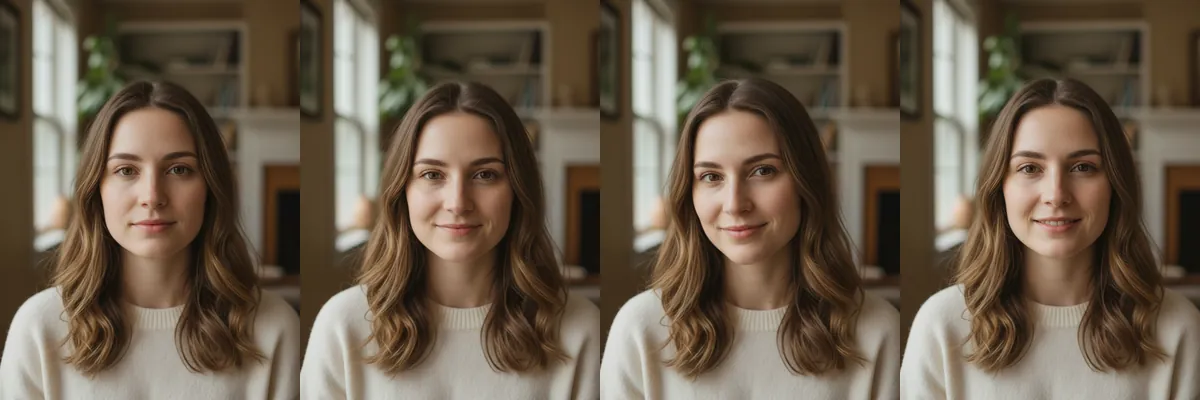
A dating profile photo often fails on expression rather than lighting or outfit. These prompts keep your photo as it is and change only the face, trying out warm smiles, a confident smirk and a softer gaze.
They are subtle by design, so the result still looks like an ordinary photo of you. Each one is a Reshot AI template you can open on a selfie, or copy the prompt to use in another app.
How these templates use your photo
Each template starts from a photo you pick. The prompt tells the model what to change, and your photo is the reference for everything else. Clear, front-facing photos with even light give the closest match.
1. Warm attractive smile
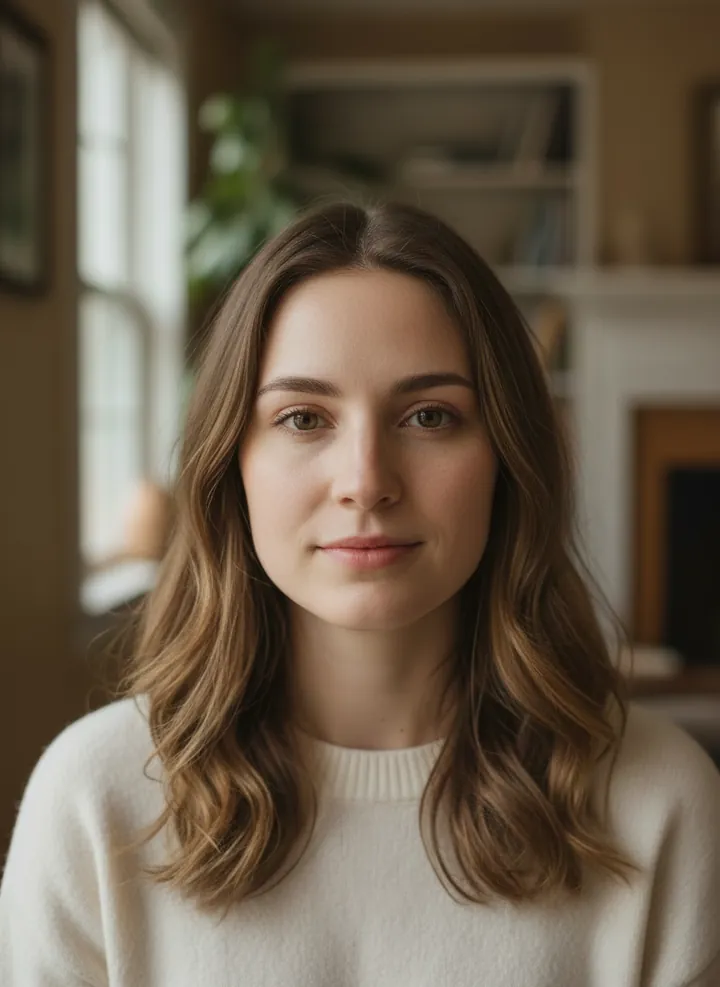
A warm, friendly smile with soft eyes. The prompt keeps everything else in the photo unchanged.
Keep everything unchanged and apply a warm attractive smile
2. Confident smirk
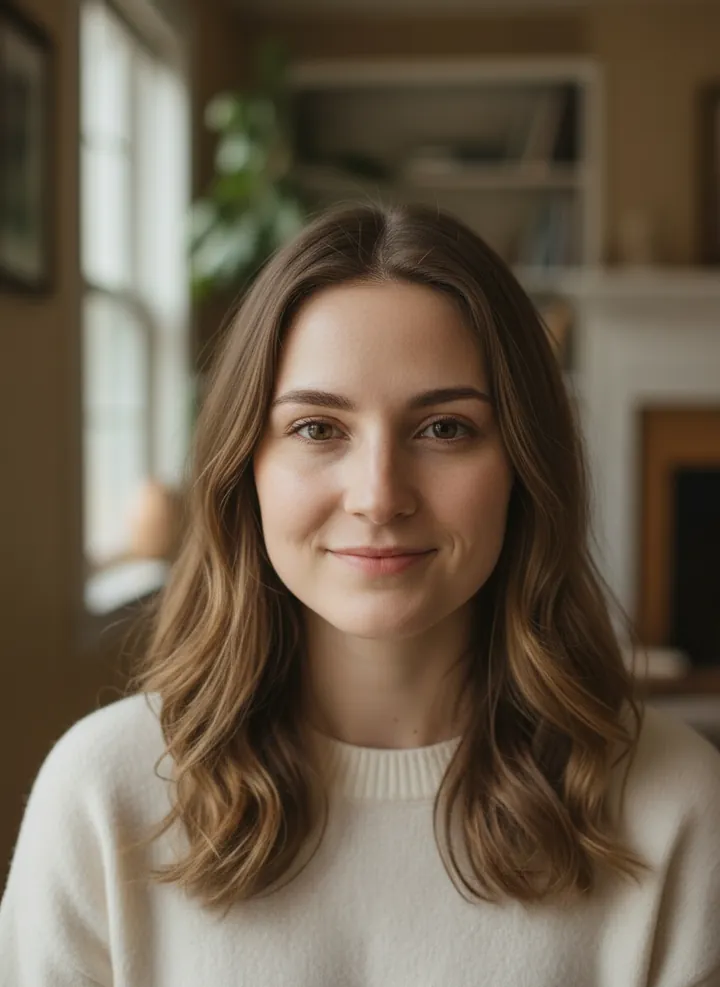
A charming, confident smirk with a slight lift at one corner of the mouth. Hair, clothing and background stay the same.
Keep everything unchanged and apply a charming confident smirk
3. Playful flirty look
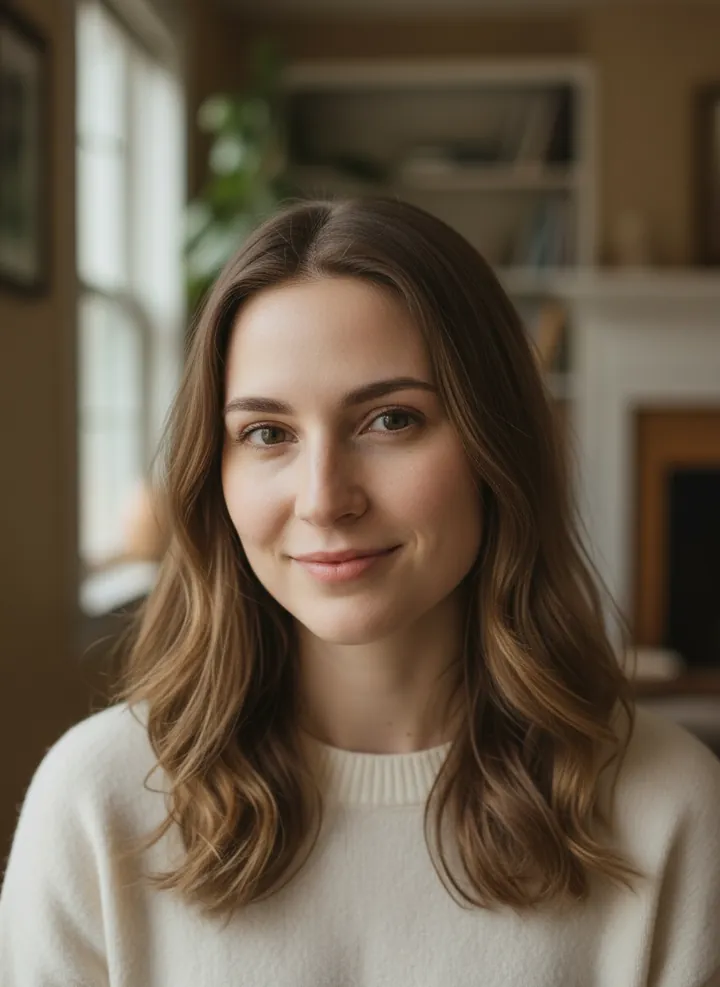
A playful, flirty expression with a small smile and lively eyes. Only the face is edited.
Keep everything unchanged and apply a playful flirty expression
4. Gentle romantic smile
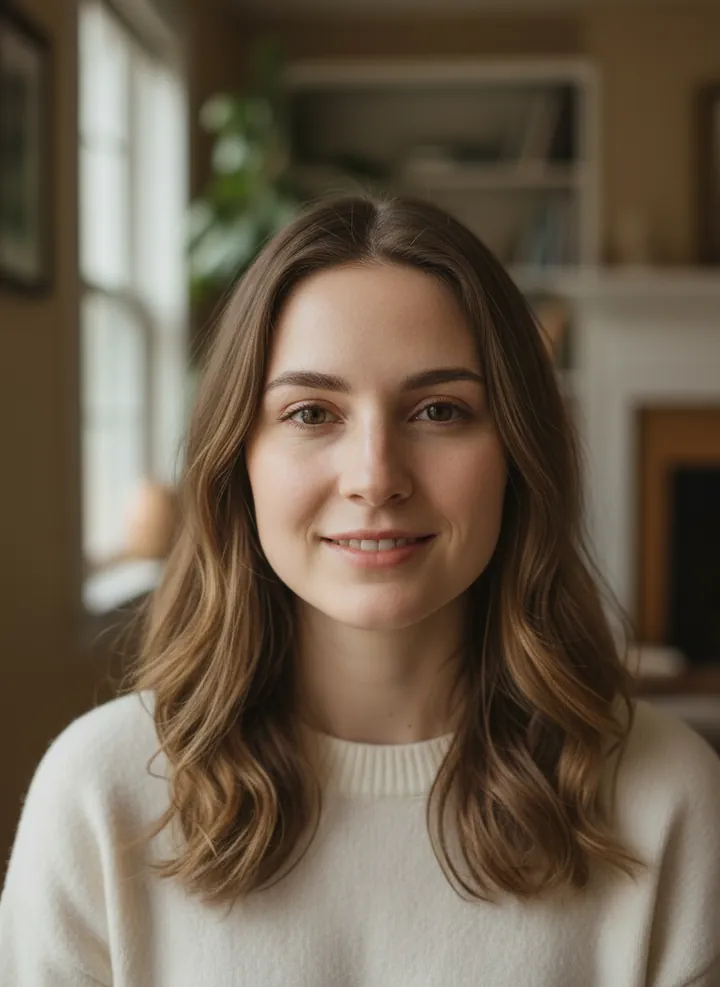
A gentle, romantic closed-mouth smile. The lighting and setting are left as they were.
Keep everything unchanged and apply a gentle romantic smile
5. Soft inviting gaze
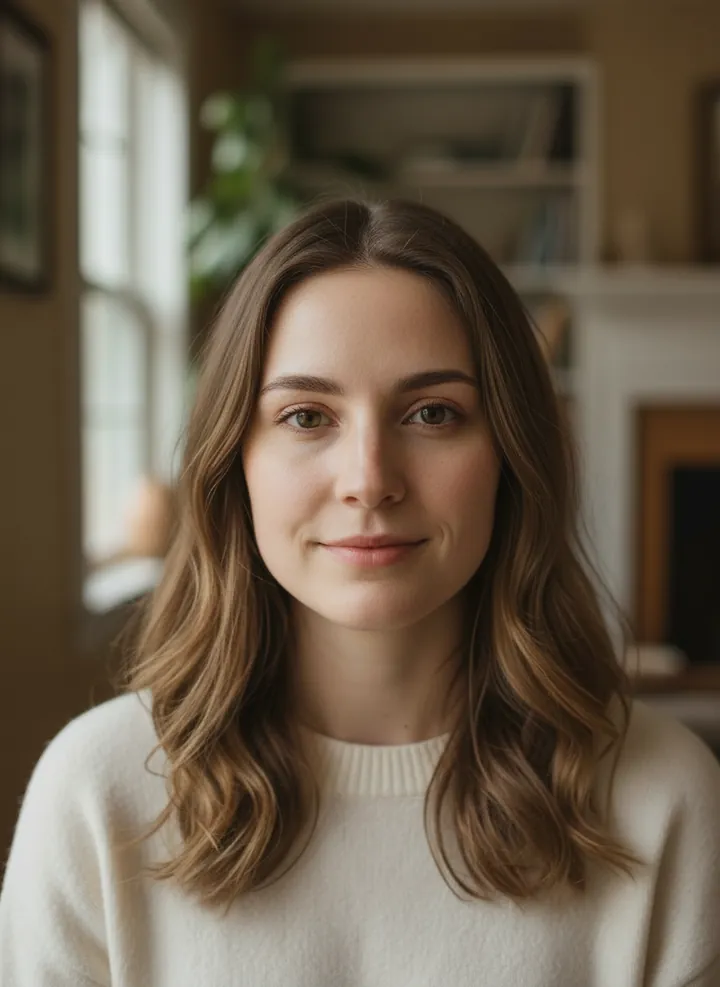
A soft, inviting gaze with relaxed eyes and a faint smile. Everything outside the expression stays unchanged.
Keep everything unchanged and apply a soft inviting gaze
6. Relaxed natural smile
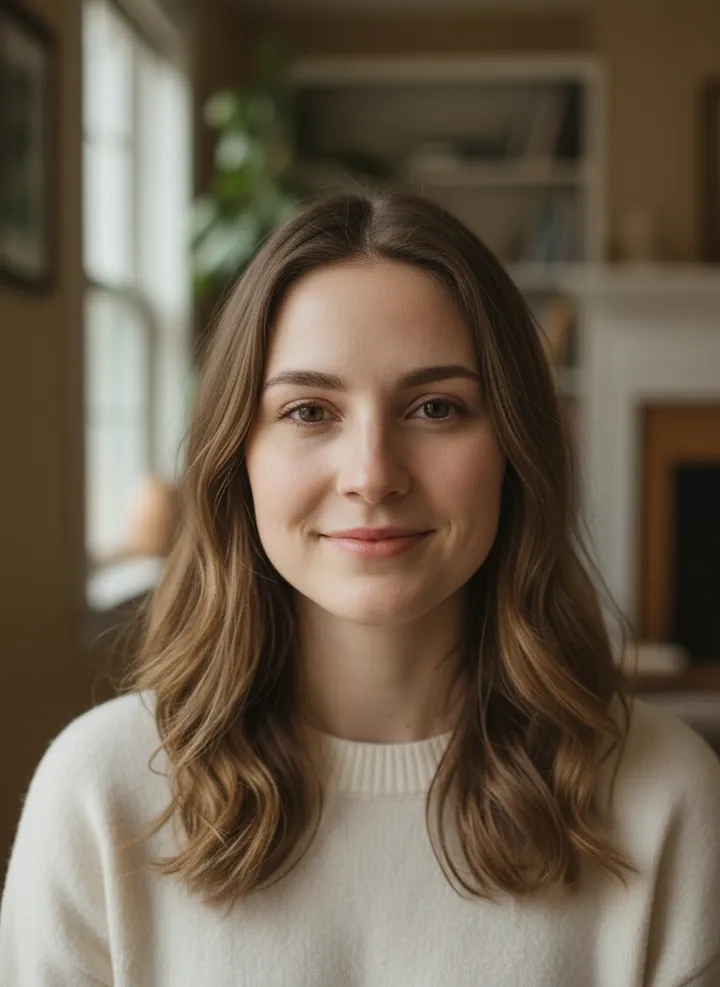
A relaxed, natural smile that looks unposed. The prompt keeps the rest of the photo the same.
Keep everything unchanged and apply a relaxed natural smile
How to use these templates in Reshot AI
- Open Reshot AI on iPhone and find the Dating Profile category on the home screen.
- Pick a template. Choose a clear, front-facing selfie with good light; it is the reference for your face.
- Generate. Results arrive in the app’s History, so you can come back for them later.
- Want a different expression in the result? Open it in the Face Editor and add a smile, open closed eyes, or turn the head.
Frequently asked questions
Will the result look like me?
Each template uses your photo as the reference and describes the look, not a new face. Clear, front-facing photos with even light give the closest match.
Can I use these prompts outside Reshot AI?
Yes. The copy button gives you the full prompt; it works in any image tool that accepts a reference photo. Results will differ by model.
Is Reshot AI free?
The app is free to download. Generating templates uses credits or a Premium subscription; details are in the app.
Try Dating Profile in Reshot AI
Download Reshot AI, pick a template, choose a selfie.
⬇ Download on the App Store