Professional headshot AI prompts: 5 looks for profiles, bios and speaker pages
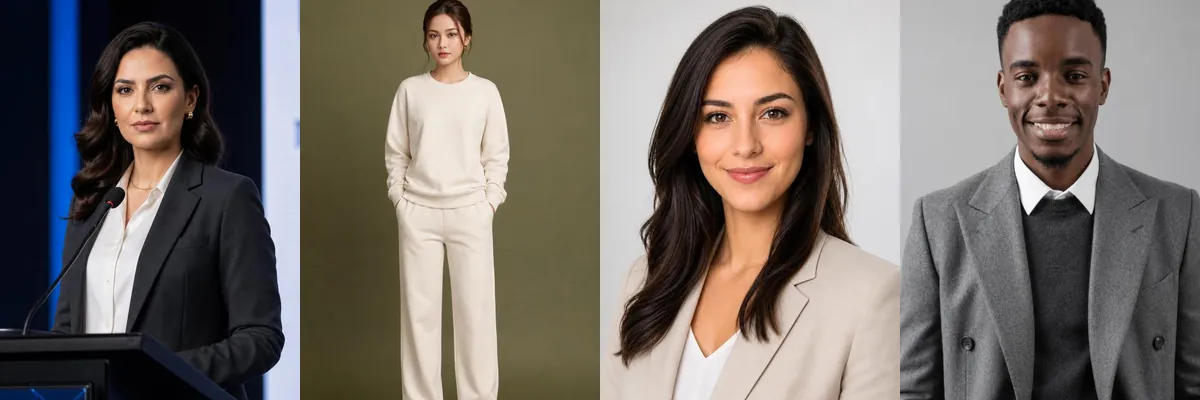
A good work photo needs a plain background, even light and clothes that fit the job. These five prompts cover a speaker shot at a podium, a relaxed full-body studio portrait and three chest-up headshots on light gray, useful for a company bio, a conference page or a résumé site.
You can open each template in Reshot AI with a selfie, or copy the prompt and use it in another tool. Most of these prompts ask to keep your current hairstyle, so the result stays close to how you look day to day.
How these templates use your photo
Each template starts from a photo you pick. The prompt tells the model what to change, and your photo is the reference for everything else. Clear, front-facing photos with even light give the closest match.
1. Speaker at a podium
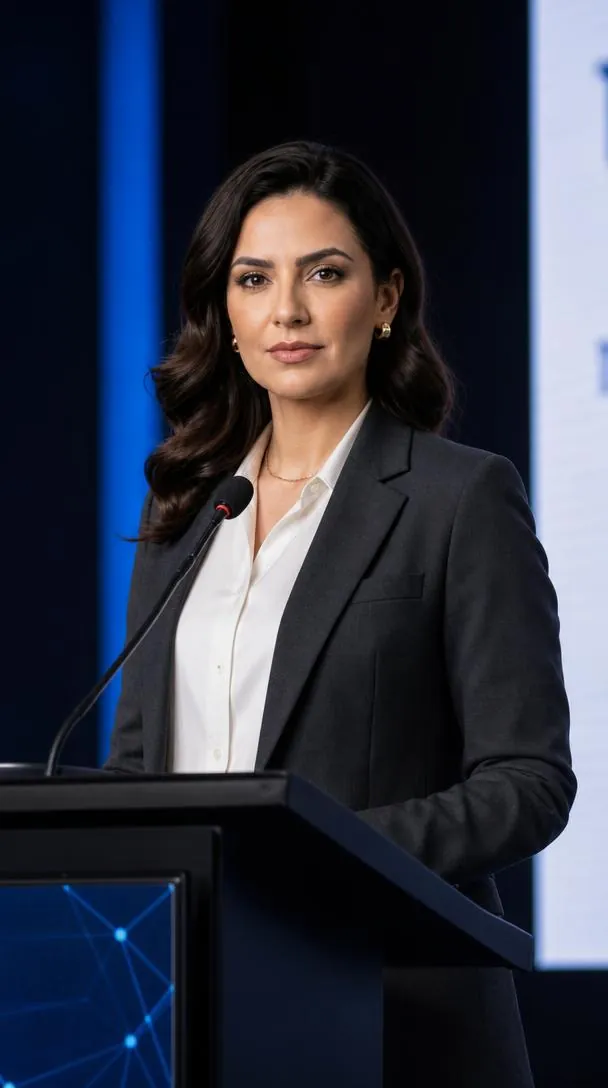
A charcoal suit and white shirt at a conference podium with a microphone, against a dark stage with blue light. Chest-to-waist framing and a natural smile keep the face sharp and centered.
Create a professional corporate headshot using the uploaded reference image as the exact identity reference. Preserve the exact facial identity, facial structure, hairstyle, skin tone and natural features. Show the person standing confidently behind a professional podium with a microphone, wearing a tailored charcoal-gray business suit and white shirt. Chest-up to waist-up composition, speaking at a corporate event, elegant dark modern stage background with subtle blue lighting, natural confident smile, realistic skin texture, professional DSLR photography, sharp focus, premium LinkedIn-style portrait, photorealistic, high resolution, 9:16 vertical.
2. Full-body studio portrait
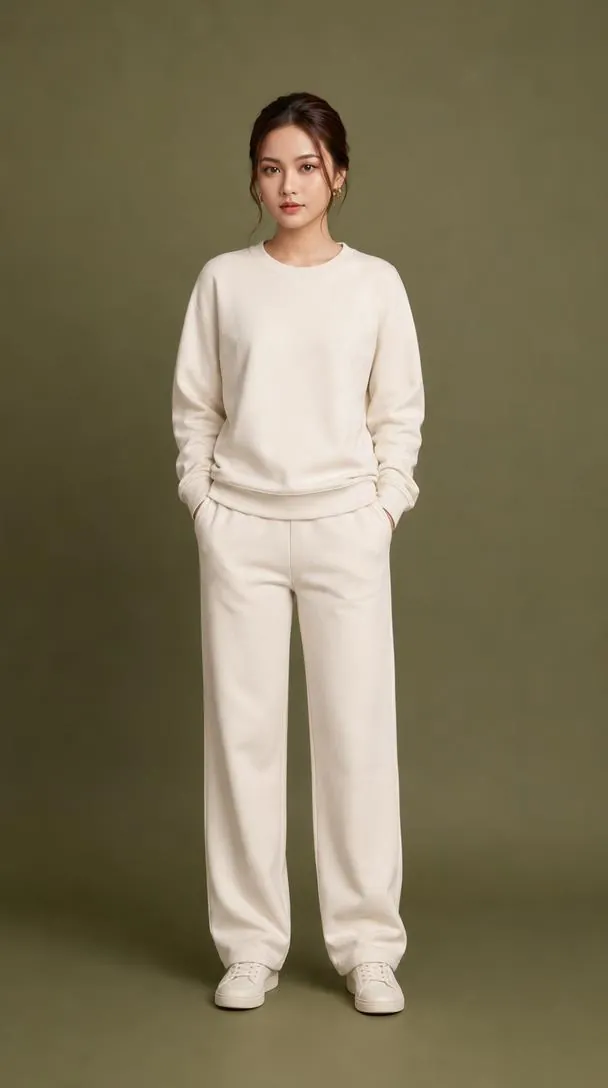
A cream sweatshirt and matching relaxed pants in a simple front-facing stance on a muted olive backdrop. Soft diffused light keeps it plain, and the hairstyle from the reference is kept.
Create a professional full-body portrait using the uploaded reference image as the exact identity reference. Preserve the exact facial identity, facial structure, hairstyle, skin tone and natural features. Keep the same simple front-facing standing pose, wearing a clean cream-colored sweatshirt and matching relaxed-fit pants. Plain muted olive-green studio background, soft diffused lighting, natural expression, realistic fabric texture, balanced composition, photorealistic, high resolution, 9:16 vertical.
3. Light gray studio headshot
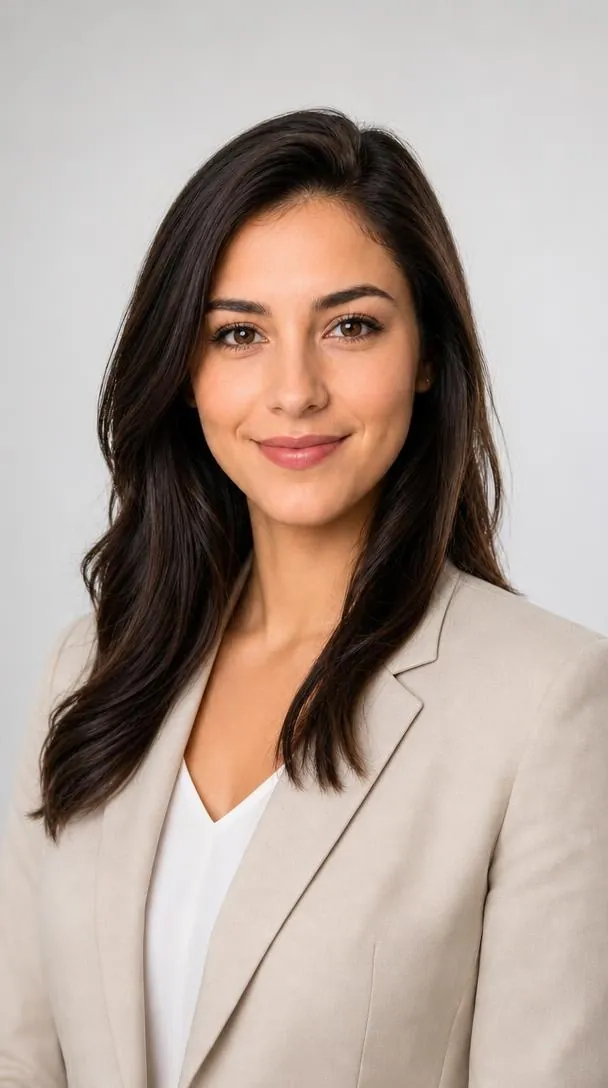
An elegant work outfit, here a beige blazer, against a bright light-gray background with soft even light. The composition is minimal, and the prompt keeps the original hairstyle and features.
Create a clean professional headshot using the uploaded reference image as the exact identity reference. Preserve the exact facial identity, hairstyle, skin tone and features. Elegant professional outfit, bright light-gray background, soft diffused lighting, natural expression, minimal composition, realistic DSLR photography, high resolution.
4. Double-breasted blazer portrait
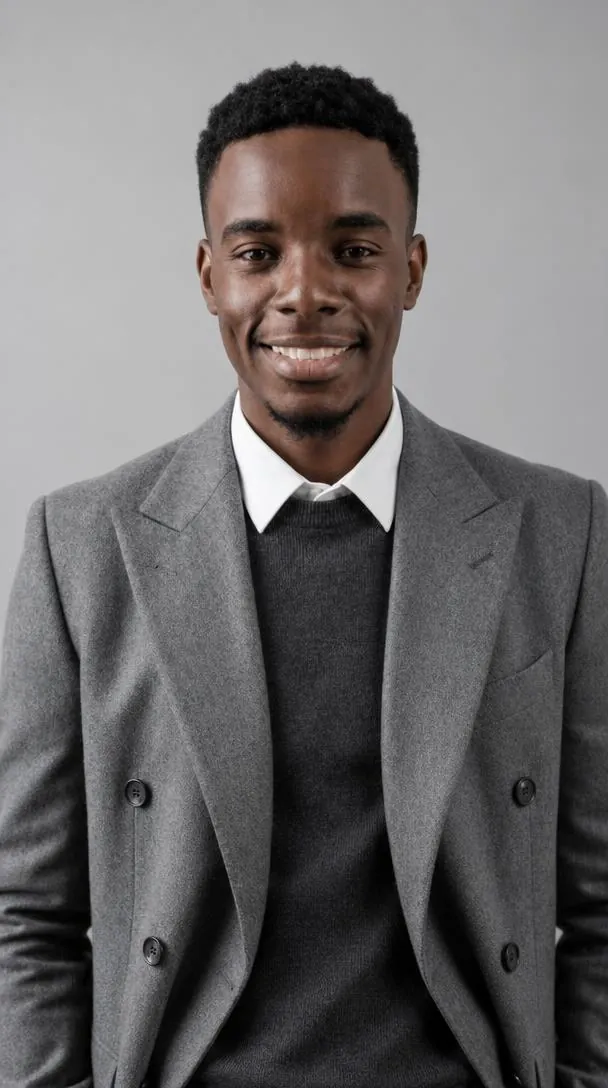
A gray double-breasted blazer over a charcoal sweater and white collar, chest-up on a light-gray studio wall. Diffused light and a natural smile keep facial detail crisp.
Create a premium professional portrait using the uploaded reference image as the exact identity reference. Preserve the exact facial identity, facial structure, hairstyle, skin tone and natural features. Keep a similar chest-up composition and confident front-facing pose, wearing a sophisticated gray double-breasted blazer over a dark charcoal sweater and crisp white collared shirt. Clean light-gray studio background, soft diffused lighting, natural smile, realistic skin and fabric texture, sharp facial details, professional corporate headshot, photorealistic, high resolution, 9:16 vertical.
5. Executive suit headshot
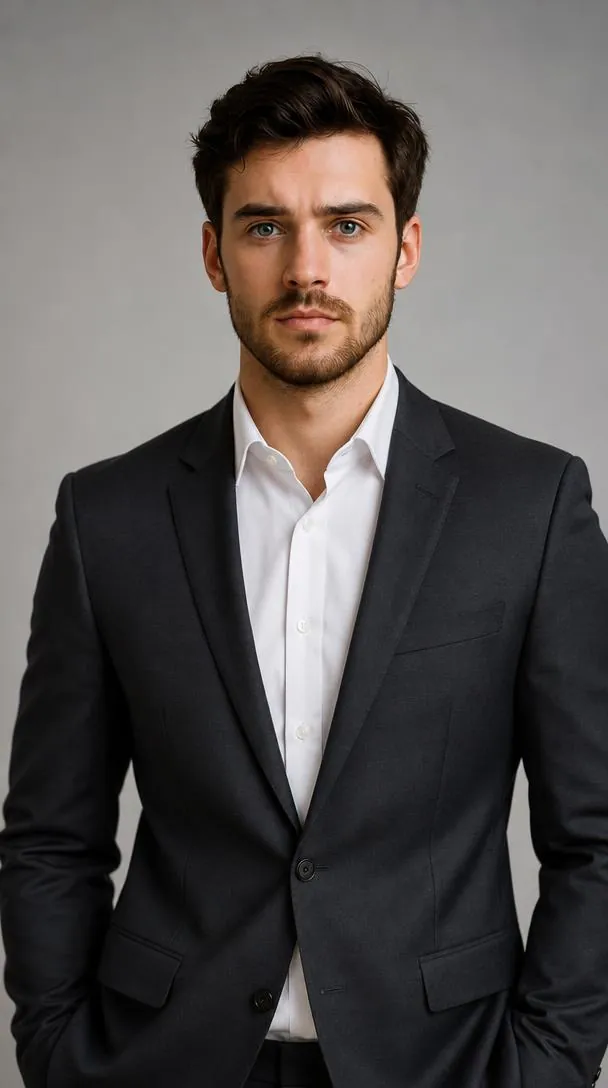
A tailored charcoal, navy or black suit with a white shirt, waist-up on a soft gray gradient backdrop with key, fill and rim light. Direct eye contact and natural skin texture are kept, and the hair may be restyled to a professional cut.
Create a premium professional corporate headshot using the uploaded reference image as the exact identity reference.** Preserve the **exact facial identity, facial structure, skin tone, eye shape, eyebrows, nose, lips, jawline, and all natural facial features** from the reference image. Do **not** redesign, beautify, replace, or alter the person's identity. The hairstyle can be **any professional hairstyle** that naturally suits the person while keeping the face completely recognizable. Maintain realistic hair texture and natural hairline. Dress the person in a **tailored luxury business suit** (charcoal gray, navy, or black) with a **clean white shirt** and elegant professional styling. **Composition:** head-and-shoulders to waist-up, centered portrait, direct eye contact with the camera, relaxed confident posture, natural professional smile or calm confident expression. **Background:** clean light-gray or soft neutral studio background with subtle depth and gentle gradient. **Lighting:** soft flattering studio lighting, balanced key and fill light, subtle rim light, realistic shadows. **Photography Style:** premium LinkedIn profile photo, corporate executive portrait, DSLR photography, 85mm portrait lens, shallow depth of field, ultra-sharp facial details, realistic skin texture with natural pores, high dynamic range, photorealistic, 8K quality. **Important:** Keep the person's identity **100% consistent** with the uploaded reference image. No face swap, no age change, no skin tone change, no facial feature modification, no gender change, no extra accessories unless naturally professional.
How to use these templates in Reshot AI
- Open Reshot AI on iPhone and find the Professional Headshot category on the home screen.
- Pick a template. Choose a clear, front-facing selfie with good light; it is the reference for your face.
- Generate. Results arrive in the app’s History, so you can come back for them later.
- Want a different expression in the result? Open it in the Face Editor and add a smile, open closed eyes, or turn the head.
Frequently asked questions
Will the result look like me?
Each template uses your photo as the reference and describes the look, not a new face. Clear, front-facing photos with even light give the closest match.
Can I use these prompts outside Reshot AI?
Yes. The copy button gives you the full prompt; it works in any image tool that accepts a reference photo. Results will differ by model.
Is Reshot AI free?
The app is free to download. Generating templates uses credits or a Premium subscription; details are in the app.
Try Professional Headshot in Reshot AI
Download Reshot AI, pick a template, choose a selfie.
⬇ Download on the App Store