Devil in Couture: red gown and giant stiletto AI photo prompts
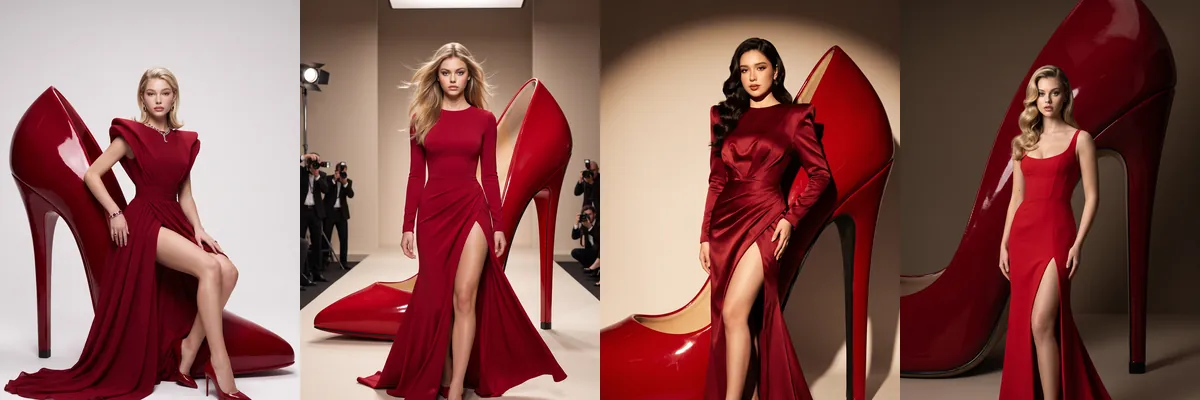
This set stages a fashion campaign around one oversized prop: a glossy red stiletto taller than the person beside it. Every shot pairs it with a red gown with a high slit, so the four images work together as a series.
The prompts are Reshot AI templates. Open one in the app with your photo, or copy it to use elsewhere. Each lets the hairstyle change but asks to keep the face as it is.
How these templates use your photo
Each template starts from a photo you pick. The prompt tells the model what to change, and your photo is the reference for everything else. Clear, front-facing photos with even light give the closest match.
1. Seated on a giant heel
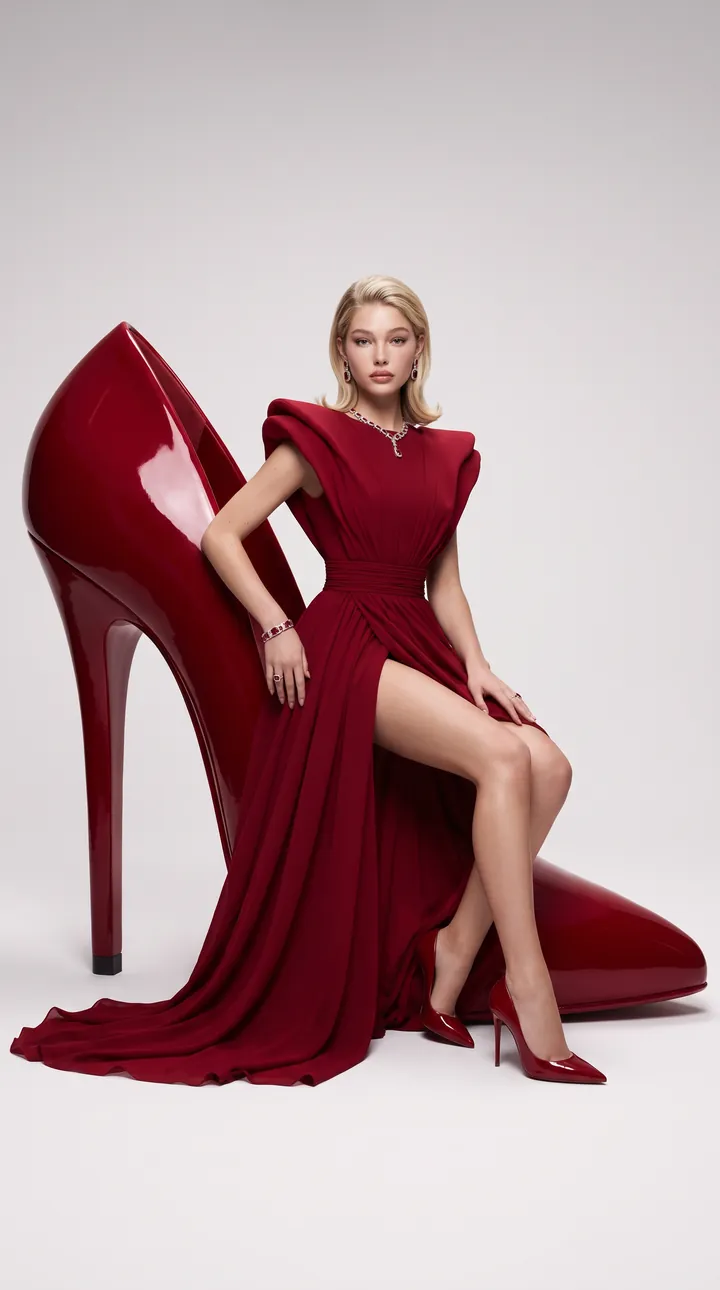
You sit on top of a huge crimson stiletto in a deep-red gown with sculpted shoulders, a fitted waist and a thigh-high slit, in a pale minimalist studio. The soft spotlight falls on the face and gown, and only the styling and outfit change.
Create a luxury high-fashion editorial portrait using the uploaded reference image as the exact identity reference.** Preserve the exact facial identity, facial structure, skin tone, eye shape, eyebrows, nose, lips, jawline, body proportions, and all natural facial features. Do not redesign or alter identity. The hairstyle can be any hairstyle that suits the couture styling while keeping the face fully recognizable. **Scene:** The person is elegantly seated on a giant glossy crimson-red stiletto heel inside a minimalist luxury fashion studio. **Outfit:** Dramatic deep-red couture gown with sculpted shoulders, a fitted waist, a thigh-high slit, flowing fabric, matching red stilettos, and luxury styling. **Style:** Haute couture, Vogue Italia, Valentino editorial, glossy red fashion campaign, soft spotlight, premium studio lighting, photorealistic DSLR photography, ultra-detailed, **9:16 vertical, 8K**. **Important:** Keep identity **100% unchanged**. Only styling and outfit change.
2. Runway walk past the heel
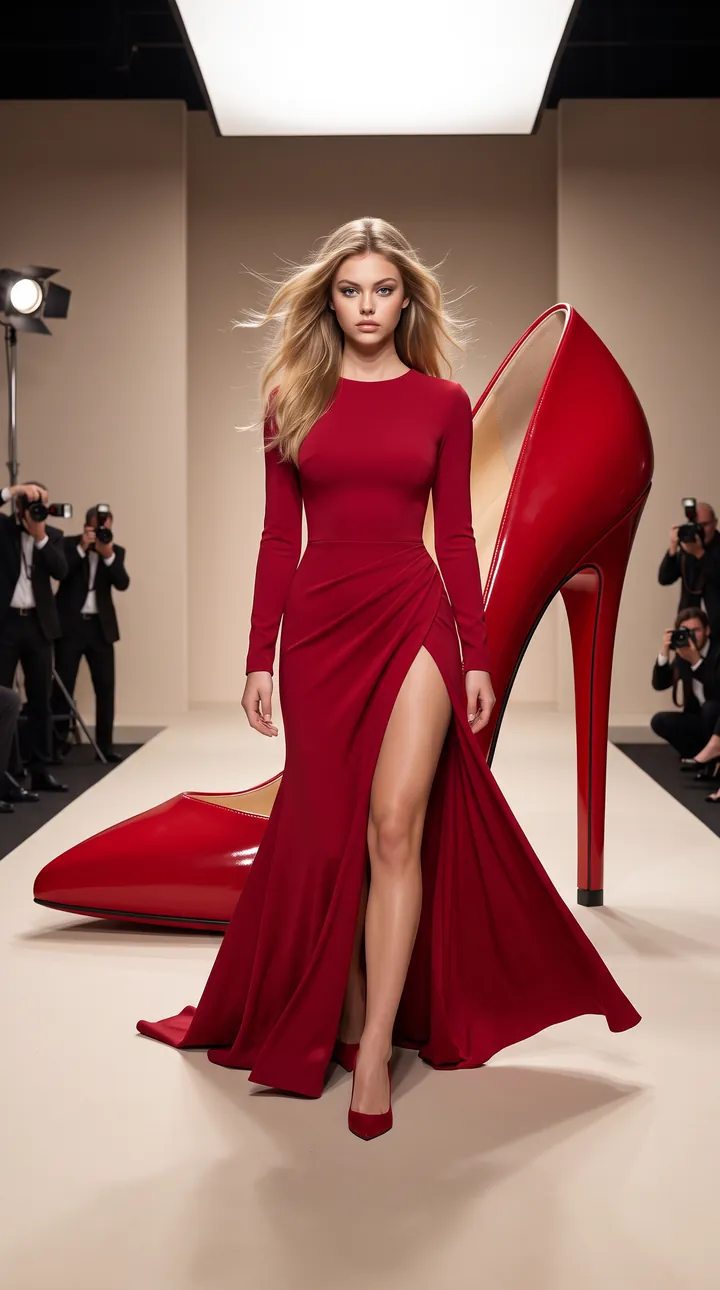
A runway shot walking toward the camera in a long-sleeve crimson dress with a slit and train, past a tipped-over giant heel with photographers at the side. The forward-facing pose keeps the face toward the lens.
Create a cinematic couture runway portrait using the uploaded reference image as the exact identity reference.** Preserve the exact facial identity and natural facial features. Hairstyle may change naturally while keeping the face recognizable. **Scene:** The person confidently walks beside an oversized luxury red stiletto heel placed like a fashion sculpture in a beige editorial studio. **Outfit:** Elegant long-sleeve crimson couture dress with a dramatic thigh-high slit and flowing train. **Pose:** Walking toward the camera with a confident runway expression. **Style:** Vogue runway editorial, luxury campaign photography, soft studio shadows, photorealistic skin and fabric texture, DSLR, **9:16 vertical, 8K**. **Important:** Keep identity **100% unchanged**.
3. Leaning on a red stiletto
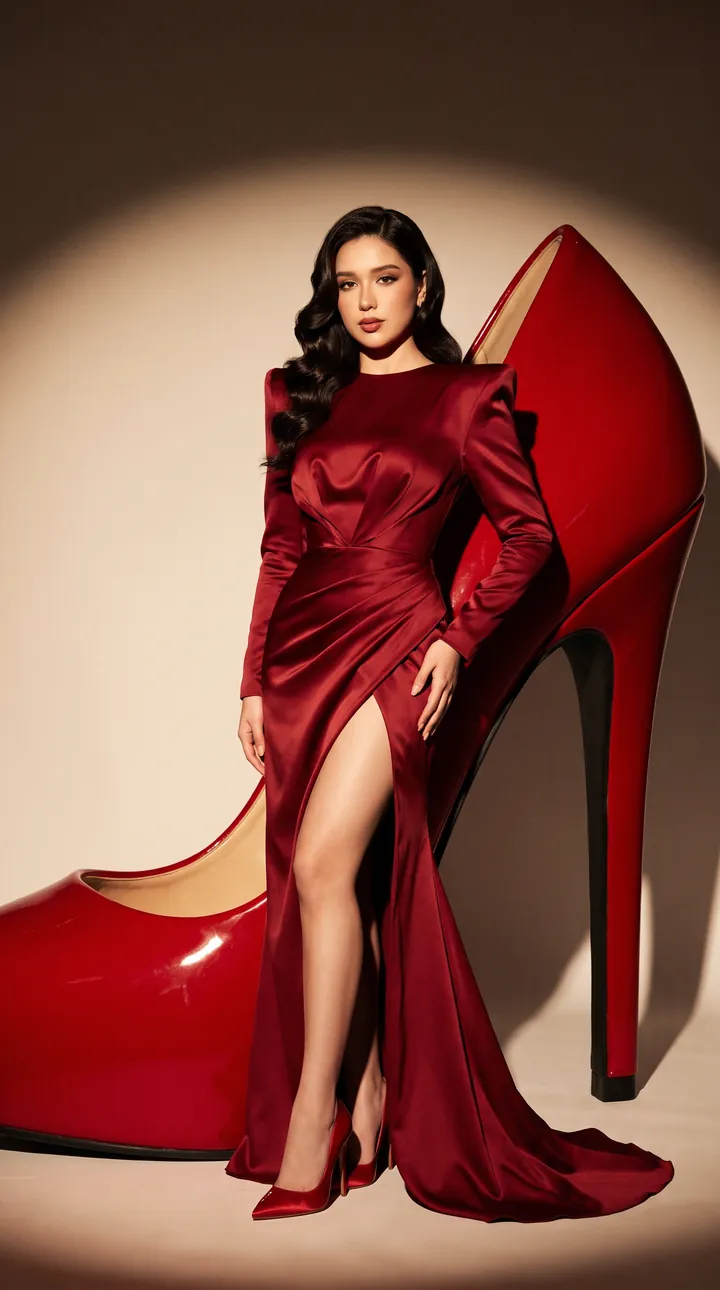
A campaign shot leaning against an enormous glossy red heel in a sculptural satin gown with strong shoulders, under a warm circular spotlight. The spotlight sits behind the head so the face stays well lit.
Create a premium couture fashion campaign using the uploaded reference image as the exact identity reference.** Preserve the exact facial identity, skin tone, body proportions, and natural features. Hairstyle can change naturally while keeping the face recognizable. **Scene:** The person is standing confidently while leaning against an enormous glossy red high heel in a luxury fashion studio. **Outfit:** Sculptural deep-red evening gown with strong shoulders, fitted silhouette, dramatic slit, and luxury red heels. **Lighting:** Soft warm spotlight with subtle shadows and a premium editorial mood. **Style:** Valentino haute couture, Vogue cover photoshoot, photorealistic DSLR, realistic satin fabric, cinematic luxury fashion photography, **9:16 vertical, 8K**. **Important:** Identity must remain **100% unchanged**.
4. Scarlet gown under a towering heel
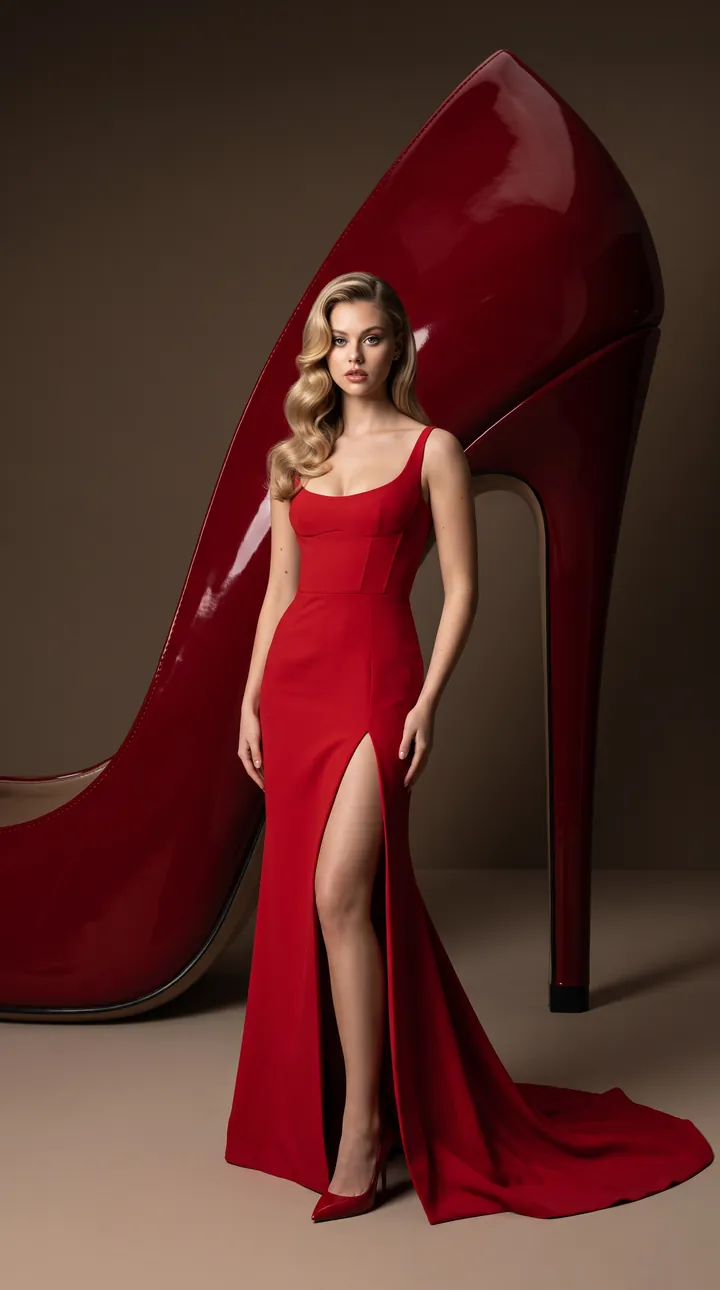
A full-length portrait in a fitted scarlet gown with a slit and train, with a giant crimson stiletto towering behind in a dark beige studio. The prompt rules out face swaps, beauty edits and age or skin tone changes.
Create a dramatic "Devil in Couture" editorial portrait using the uploaded reference image as the exact identity reference.** Preserve the exact facial identity, facial structure, skin tone, eye shape, lips, jawline, and all natural facial features. Do not modify identity. Hairstyle can be any glamorous hairstyle that complements the couture look. **Scene:** A giant glossy crimson stiletto heel towers behind the person like a luxury fashion sculpture inside a dark beige editorial studio. **Outfit:** Bold scarlet-red couture gown with an elegant fitted silhouette, thigh-high slit, flowing train, and matching luxury heels. **Mood:** Powerful, confident, mysterious, and glamorous. **Style:** Vogue, Harper's Bazaar, Valentino Haute Couture, cinematic editorial photography, premium studio lighting, realistic skin texture, photorealistic, ultra-HD, **9:16 vertical, 8K**. **Important:** Keep the uploaded person's identity **100% unchanged**. No face swap, no beauty edits, no age change, no skin tone change, no facial feature modification, and no gender change.
How to use these templates in Reshot AI
- Open Reshot AI on iPhone and find the Devil in Couture category on the home screen.
- Pick a template. Choose a clear, front-facing selfie with good light; it is the reference for your face.
- Generate. Results arrive in the app’s History, so you can come back for them later.
- Want a different expression in the result? Open it in the Face Editor and add a smile, open closed eyes, or turn the head.
Frequently asked questions
Will the result look like me?
Each template uses your photo as the reference and describes the look, not a new face. Clear, front-facing photos with even light give the closest match.
Can I use these prompts outside Reshot AI?
Yes. The copy button gives you the full prompt; it works in any image tool that accepts a reference photo. Results will differ by model.
Is Reshot AI free?
The app is free to download. Generating templates uses credits or a Premium subscription; details are in the app.
Try Devil in Couture in Reshot AI
Download Reshot AI, pick a template, choose a selfie.
⬇ Download on the App Store